
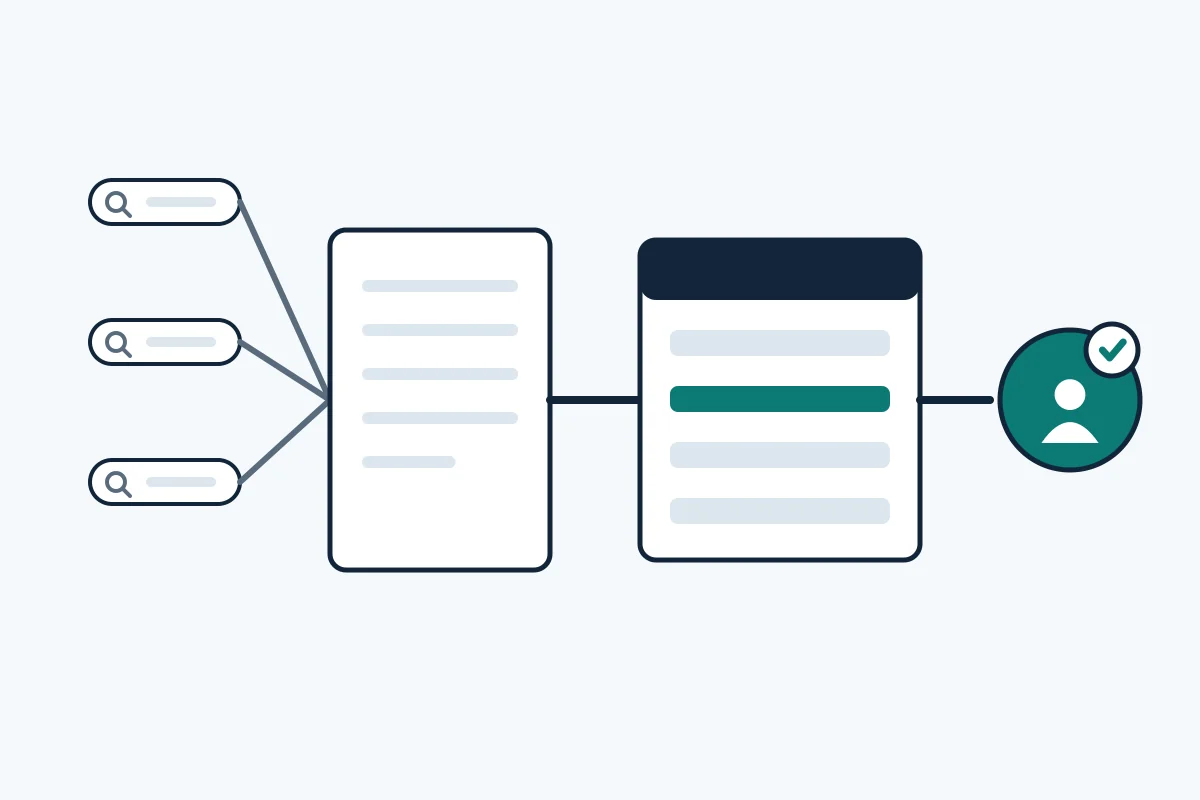
Can you see which search query produced a lead?
You cannot see the query behind an individual lead, because the tools hold different halves of the story. Google's Search Console Performance report is organised by queries, pages, countries, devices, search appearance and dates. It also says that not all queries beyond anonymized queries will be shown, and that some are omitted to protect user privacy. The CRM holds the person, the source and the landing page, but not the search words.
The practical question is therefore not which query this lead typed. It is which page, and which group of queries leading to that page, produces qualified leads. The method below answers that, and it needs no special tool.
Which three records trace a query to a lead?
Three records trace it: Search Console, the CRM and a self-reported answer. Prose Media makes a similar split of GA4 for behavior, self-reported data for buyer-declared influence and the CRM for pipeline and revenue. We replace GA4 with Search Console because it holds the query layer.
| Record | Answers | Cannot answer |
|---|---|---|
| Search Console | Which queries reached which pages, with impressions and clicks | Who the visitor was, or whether they became a lead |
| CRM | Who converted, from which first landing page, and what happened next | Which words they typed |
| Self-reported answer | What the buyer remembers: a search, a recommendation, a post | How many people forgot, or what they searched |
How do you set up the trace?
Set it up in seven steps, working from the form back to the search data. The CRM steps follow advice from Prose Media, The RevOps Report and Pedowitz Group.
- Agree what counts as a qualified lead with sales. Our guide to sales and SEO alignment shows how to write one definition.
- Capture the first landing page and referrer on every form as hidden fields. The RevOps Report advises writing tracking parameters into the CRM through hidden form fields, and Pedowitz Group lists the landing page and page path among the data to pass in.
- Keep the original source unchanged. Prose Media advises that original lead source should be immutable and that latest source updates only by defined rules.
- Ask a self-reported question on high-intent forms. Use a short picklist plus a free-text answer, keep the raw text, and give AI search its own option.
- Group landing pages into query clusters. In Search Console, filter the Queries view by page and name the cluster, such as pricing or audit checklist.
- Export Search Console data by page each month, and note that the newest data can be preliminary.
- Join the tables on landing page and month, then review them with sales.
For the CRM build itself, see our guide to building an SEO pipeline in HubSpot, and for the ROI method see measuring B2B SEO ROI.
What does the joined table look like?
The joined table puts the search data and the CRM data on one row per query cluster and landing page. The numbers below are invented to show how to read it; they are not from a real site.
| Query cluster | Landing page | Impressions | Clicks | Leads | Qualified leads | Opportunities |
|---|---|---|---|---|---|---|
| Pricing | /pricing/ | 2,400 | 96 | 7 | 4 | 2 |
| Industry service | /industries/finance/ | 1,800 | 22 | 1 | 0 | 0 |
| Checklist | /guides/security-checklist/ | 900 | 61 | 3 | 1 | 0 |
Read each row as a question. The pricing row converts at every stage, so protect the page. The industry row has many impressions and few clicks, which points to a title or snippet that does not match the query, not to a lead problem. The checklist row brings leads but few qualified ones, which points to a mismatch between what the query promises and what the offer sells. Our guide to B2B buying group marketing shows how to read query intent by buyer role.
Where does the trace break, and how do you read the gaps?
The trace breaks in five places, and each break has a safe reading. Treat the result as directional, which is the RevOps Report's advice, not as exact revenue credit.
- Hidden queries. Search Console omits anonymized queries, and its tables show at most 1,000 rows, though the API can show more. Use page-level totals when the query list is thin.
- Organic or Google. A buyer may write Google on the form when the CRM says Organic Search. That is agreement, not a conflict. Rock the Rankings argues that a Google answer can follow an AI conversation, so read free text before you count it as search.
- Direct and unknown sources. Prose Media notes that messy tagging and overused direct traffic are governance problems. Fix the capture before you interpret the numbers.
- Off-site influence. GA4 and the CRM miss podcasts, LinkedIn and partners. Rock the Rankings reports, from its own audit of 8,307 HubSpot contacts, that 809 buyers named AI on the form while the CRM source field tagged 11 as AI referrals. That is one agency's data with internal inconsistencies, so use it as a prompt to read your own free-text answers.
- Long cycles. Opportunities appear months after the first visit, so judge qualified leads and opportunities with a lag.
How should you use the result?
Use it to decide which pages to protect, fix or retire, and confirm any large budget move with a second record. Prose Media's rule is to confirm significant budget moves with at least two systems and to treat self-reported text as messaging research. Review the table monthly with sales, and compare opportunity data quarterly.
Do not claim that a page caused a sale. Say which pages sit on the path of qualified leads and which queries lead to them. For the wider view of lead generation, see our B2B lead generation page, and for reporting to a board see SEO reporting for B2B boards. To see how your own search data lines up with your enquiries, book a free B2B SEO audit.