
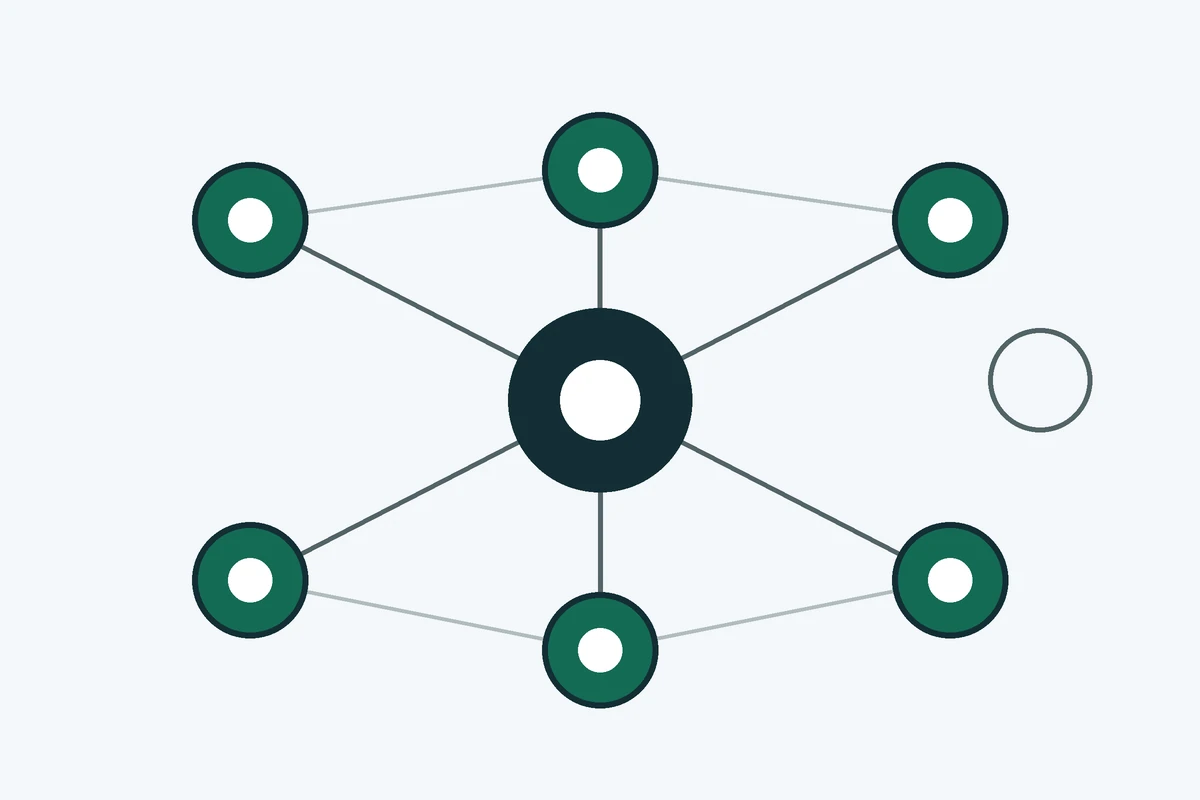
Internal linking on a large B2B site means deciding which pages link to which, using descriptive anchor text, so search engines can find every commercial page and buyers can move from research to a service page without hitting a dead end.
Internal linking on a large B2B site is a planning job, not a menu setting. A small brochure site can rely on the navigation bar. A site with dozens of service pages, industry pages, case studies and articles needs the links inside the body copy to carry most of the structure, because that is where a page's place in the topic is made clear.
What internal linking does on a large B2B site
Google uses links in two ways. It uses links as a signal when it judges how relevant a page is, and it uses them to find new pages to crawl. A crawler can only follow a link when it is written as an HTML anchor element with an href attribute, and links added by JavaScript count when they use the same markup. A link that a crawler cannot follow passes nothing, however useful it looks to a visitor.
For a buyer, the same links decide the route. A procurement lead who reads a sector article should be able to reach the service page in one click, and from the service page reach a case study and a contact route. Each missing link is a point where that route stops.
Why large sites drift out of shape
Large sites accumulate pages faster than anyone links them. A new service launch, a case study or an industry page each gets published with a link from wherever the team was working that week. The older pages are rarely revisited. Over several years a site can end up with important pages that receive links from one place, or from none. Google's guidance is plain on the minimum: every page you want indexed should have at least one link from another page on your site.
How do you find orphan pages and buried pages?
Two problems need two checks. An orphan page has no internal links pointing to it at all. A buried page is reachable only through a long chain of clicks from the homepage. Both are common on large sites, and both are easy to miss when you review the site page by page.
Start with a crawl. Run a crawler such as Screaming Frog over the live site, a tool several guides in this area recommend. If you would rather have someone else run it, the free B2B SEO audit includes this crawl. Export two things: the internal links pointing to each URL, and the click depth of each URL from the homepage. Then compare the crawl with your XML sitemap. Any URL in the sitemap that the crawl did not reach by following links is an orphan candidate. Any URL with a high click depth and little traffic is a buried candidate.
Next, decide which pages matter. Pull the pages that already bring organic visits and enquiries. Those pages are your best link sources, because search engines already trust them and people close to a purchase already read them. Link from them to the orphan and buried commercial pages, where the sentence around the link matches the topic of the target.
Do not add links to pages that do not earn a place in the buyer's journey. An orphan article on a topic no buyer asks about is a candidate for merging or removal, not for a new link.
How should the site architecture look?
Good site architecture is a set of paths a buyer can follow. On a B2B site the usual path runs from the homepage to a service or industry hub, from the hub to the service page, and from the service page to supporting articles, case studies and the contact route. Each step should be a link a visitor would expect to find.
Keep the commercial pages close to the homepage. Many SEO guides suggest keeping important pages within three clicks of the homepage. That is a practitioner rule of thumb, not a Google requirement. Use it as a target for the pages that carry the most revenue, and check the real click depth in the crawl rather than trusting the number.
Use pillar pages and topic clusters
A pillar page covers a service in full and links to the articles that answer its questions. Each supporting article links back to the pillar and to its closest neighbour. The result is a topic cluster that a search engine and a reader can both follow. The mechanics of building one are covered in topic clusters for B2B. The point here is narrower: the cluster has to be visible in the links inside the body text, not only in a navigation menu or a footer list.
How do you write anchor text that works?
Google describes good anchor text as descriptive, reasonably concise, and relevant both to the page it sits on and to the page it links to. Generic phrases such as "click here" or "read more" tell a reader and a crawler nothing about the target.
Test each anchor by reading it on its own. If the words alone do not say what the target page is about, rewrite them. "Our technical SEO service covers crawling and indexation" works. "Click here" does not. Keep the wording natural, and do not force the same exact-match phrase into every link to the same page. Vary the anchor to suit the sentence, so the text reads as ordinary prose and not as a keyword list.
How many internal links should a page have?
Google gives no ideal number of internal links. Its guidance is that a page with too many links probably has too many, and that a link belongs where it helps the reader understand the page.
Some SEO guides give fixed figures, such as three to eight links per article or a ceiling of 100 links per page. Those are practitioner rules of thumb. Use them as review triggers. If a page has far more links than a reader can scan, trim it. If a page has none, add one from a relevant page. Neither action depends on reaching a published number.
Which links should you remove or avoid?
Gated and parameter URLs
A page behind a login or a form cannot be followed by a crawler, so a link to it passes nothing. URLs created by sort, filter or tracking parameters can produce several addresses for one page. Link to the preferred address of each page, and keep those links consistent across the site.
Redirect chains and broken links
A broken link returns an error to a crawler and to a reader. A redirect chain sends a link through one redirect to another, and sometimes through several more before it reaches the final page. Both waste crawling and frustrate visitors. Find them in the same crawl you used for orphan pages, and update each link to point directly at the final URL.
How do you keep links current as the site changes?
Internal links decay. A page is renamed, a service is retired, a case study is merged, and the links pointing at the old address stay where they were. Set a quarterly check for four things: orphan pages, broken links, redirect chains, and anchor text that has become repetitive.
Add a rule to the publishing checklist. Every new page should have at least one link from an existing, relevant page on the day it goes live, and the page that links to it should be updated if its text now misses the new page. Automation can handle breadcrumbs and related-article blocks, because those follow a fixed pattern. Review the high-value links by hand, because a tool cannot judge whether a sentence reads naturally.
How do you check the links on a new page?
Before a new page goes live, check its links against six questions. Each one takes a minute, and together they stop most orphan pages from being created in the first place.
- Up. Does the page link to its parent hub or service page?
- Across. Does it link to two siblings that answer a related question?
- Down. Does it link to any deeper page that explains a term it uses?
- Out. Does one sentence in the body link to the commercial page the reader is likely to need?
- Back. Do two or three existing pages that already get traffic link to it?
- Proof. Does a claim on the page link to the source or the case study behind it?
Put the check in the publishing process rather than leaving it to memory. A page that fails the back-link question is the most likely to stay an orphan, because nothing else points to it.
Link audit worksheet
The worksheet below turns the crawl into a list of actions. The figures are illustrative, not data from a real site.
| Page | Internal links in | Click depth | Organic traffic | Priority | Action |
|---|---|---|---|---|---|
| Core service page | 12 | 2 | Yes | P1 | Keep. Link to two new supporting pages. |
| Case study | 0 | 4 | No | P1 | Link from the matching service page. |
| Old industry page | 1 | 3 | No | P2 | Merge into the current industry page, then redirect. |
| Older blog post | 2 | 3 | Yes | P3 | Add a link to the service pillar. |
The priority rule is simple. P1 is a commercial page with no links in, or with a click depth beyond the target. P2 is a commercial page with links but weak anchor text, or a duplicate of another page. P3 is a supporting page that already has traffic and needs a link to the pillar.